
Creative Ecommerce Website Design That Sells Without Feeling Salesy

Creative ecommerce website design is not about adding more visual flair. It is about using creative choices (layout, imagery, interaction, copy, and motion) to make shopping feel clearer, faster, and more memorable, without breaking trust or usability.
Table of contents
A practical checklist: where to add creativity without hurting conversions
A concrete example: redesigning one product page concept, step by step
Key takeaways
Creative ecommerce design should improve comprehension and confidence first, then delight.
Use creativity in “safe zones” (story, merchandising, micro-interactions) and keep “hard zones” (checkout, forms) conventional.
Measure success with task-based metrics (findability, add-to-cart rate, checkout completion) before judging aesthetics.
What “creative” means in ecommerce (and what it does not)
In ecommerce, “creative” is often confused with “different.” But different can reduce clarity, raise perceived risk, and slow buying decisions. A more useful definition is:
Creative = helps shoppers understand the product faster, trust the brand sooner, or feel something distinct they will remember.
Just different = adds novelty that increases cognitive load (more thinking), or hides expected patterns.
A quick decision table: keep it standard or get creative?
Page element | When to keep standard | When to get creative |
|---|---|---|
Navigation + search | Always; shoppers rely on habit | Creative labeling only if tested (ex: category names) |
Product gallery | Always; swipe, zoom, thumbnails should be obvious | Add creative storytelling frames (ex: “on body” sequences) without removing controls |
Price, shipping, returns | Always; must be easy to find | Use icons, microcopy, and layout to make policies feel effortless |
Product description | Keep scannable structure | Add brand voice, comparisons, short stories, or “use-case” modules |
Add-to-cart | Always; clear button, contrast, placement | Micro-interaction feedback (animation, confirmation drawer) that reduces uncertainty |
Checkout | Always; conventional form patterns | Very light creative touches only (illustrations, reassurance) that do not distract |
If you want a deeper baseline for fundamentals (trust, hierarchy, accessibility), start with this ecommerce site design checklist, then layer creativity on top.
The 4-layer framework for creative ecommerce website design
Use this framework to make creative decisions that still support buying behavior. Each layer has a job. If a creative idea breaks the job, it does not ship.
Layer 1: Clarity (can a shopper understand the offer in 5 seconds?)
One-page message: Write a single sentence that explains what you sell and why it is different.
Visual hierarchy: Ensure the primary action is visually obvious (usually “Add to cart” or “Choose options”).
Scanning structure: Break content into modules (benefits, specs, sizing, shipping/returns, reviews).
Concrete criteria: If a new layout forces a shopper to scroll past “price + shipping + CTA” to understand what is happening, it is not “creative,” it is confusing.
Layer 2: Confidence (does the page reduce perceived risk?)
Proof near decisions: Place reviews, guarantees, and delivery expectations close to the CTA.
Objection handling: Answer the top 3 questions that stop purchases (fit, quality, delivery time).
Consistency: Visual system should match ads and social so it feels like the same brand.
Baymard Institute’s long-running ecommerce UX research consistently shows that missing or unclear information (shipping costs, returns, delivery time) is a major cause of abandonment. Use their research as a reference point when prioritizing what to make “obvious first.” See Baymard’s ecommerce UX research.
Layer 3: Character (what makes your store memorable?)
This is where creative ecommerce website design pays off. Add distinctive assets that do not block the purchase path:
Branded illustration system (icons, badges, background motifs)
Product storytelling modules (origin, craftsmanship, ingredient map, “why we made this”)
Signature typography and spacing (still readable, still accessible)
Mascot or character used as a guide for benefits and reassurance (sparingly)
Concrete criteria: Character should show up in repeatable components (badges, modules, cards), not one-off “hero art” that cannot scale to new products.
Layer 4: Conversion mechanics (how the design supports action)
Choice architecture: Default variants, size guides, and comparisons reduce indecision.
Merchandising: Bundles, “complete the set,” and cross-sells should look native.
Feedback loops: Confirm actions (added to cart, saved, error states) with clear UI feedback.
If you are rethinking structure, your ecommerce web layout should prioritize predictable placement of core information, then introduce creative modules after.

A practical checklist: where to add creativity without hurting conversions
Use this checklist during design reviews. Each item is a “yes/no” decision you can validate in a prototype.
Homepage “safe creativity” checklist
Above the fold: Value proposition + primary category path is clear in one screen on mobile.
Creative module is optional: Animations do not block interaction or delay content.
Category previews: At least 3 high-intent paths (ex: Shop New, Best Sellers, Gifts) are visible.
Trust strip: Shipping/returns/guarantee is visible without scrolling too far.
Collection page checklist (where creativity can improve shopping speed)
Filters are usable: easy to open, easy to clear, and show applied state.
Cards are scannable: price, color count, and key attribute are visible.
Creative badge system: “New,” “Bestseller,” “Low stock,” “Bundle” uses consistent rules.
Visual rhythm: Feature tiles (editorial content) appear at predictable intervals, not randomly.
Product page checklist (most important for creative ecommerce website design)
Gallery: first image explains the product instantly; second answers “scale/fit.”
CTA block: price, variant selection, shipping estimate, and CTA appear together.
Creative storytelling: one module that builds desire (origin, materials, before/after), not five competing ones.
Risk reducers: returns policy, warranty, and delivery window are one tap away.
Accessibility basics: text contrast and tap targets meet WCAG guidelines as closely as practical.
If your redesign touches multiple e commerce website pages, keep your creative system consistent across them: same modules, same rules, same voice, different content.
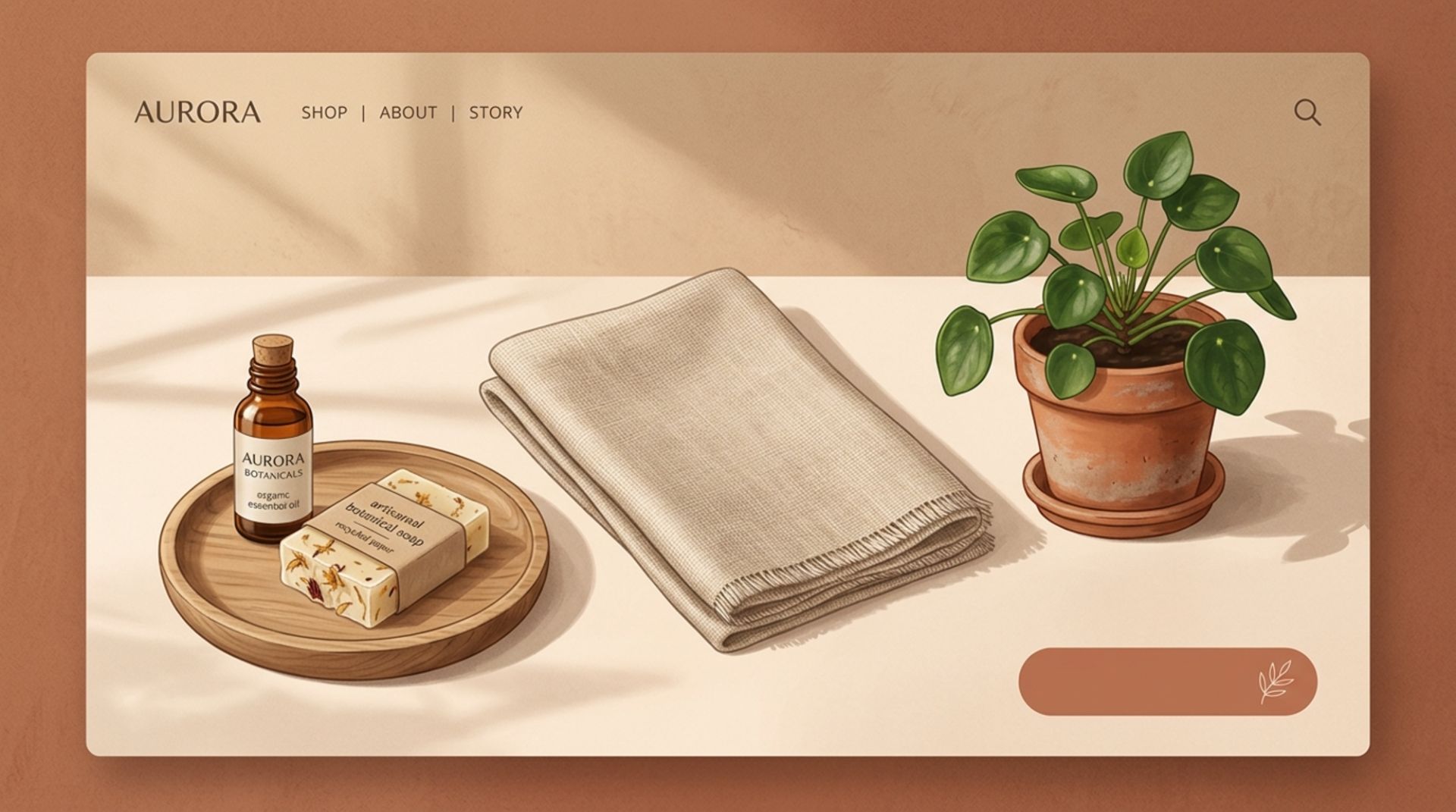
A concrete example: redesigning one product page concept, step by step
Scenario: you sell a premium skincare serum. Traffic is strong, but shoppers bounce because they do not understand “why this costs more” and they are unsure about results.
Step 1: Keep the purchase path conventional
Sticky “Add to cart” on mobile
Variant selection directly above CTA
Shipping and returns in the same block (not buried)
Step 2: Add one creative story module that earns the price
Choose one:
Ingredient map: visual grid of 3 key ingredients + what each does + proof cue (lab-tested, dermatologist reviewed, etc. if true)
Routine builder: “Use it with” module that shows where it fits (AM/PM), with a simple diagram
Before/after gallery: only if you can show consistent lighting and clear disclaimers
Rule: The module must answer a real question, not just “look premium.”
Step 3: Use creative microcopy to reduce anxiety
Under CTA: “Ships in 24h. Free returns within 30 days.”
Under size/strength selection: “Not sure? Start with the 30ml.”
Error states: “Please choose a size to add to cart.” (not generic “Invalid.”)
Step 4: Add memorability without adding friction
Introduce a subtle brand motif (line art pattern) behind secondary modules
Use one signature component (badge set, icon style, illustration) everywhere
Limit motion to feedback moments (add-to-cart confirmation, accordion open)
This is creative ecommerce website design that stays conversion-safe: it changes how the product is understood, without changing how the product is bought.
How to measure if your creative design is working
“It looks better” is not a metric. Use a small measurement plan that maps to the shopper journey.
A lightweight measurement plan (5 metrics)
Product page add-to-cart rate: Did more product viewers add to cart after the change?
Checkout completion rate: If creativity touched checkout, completion should not drop.
Search usage and success: If you changed navigation, track searches that lead to product views.
Return visitor rate: A proxy for memorability and brand pull (interpret carefully).
Support tickets by topic: If “Where is my order?” or “What size?” drops, clarity improved.
Simple testing rule
Change one creative variable per test cycle (ex: new product story module) and keep everything else stable. If you change layout, typography, and content at once, you will not know what caused the result.
If you need to align website updates with ad creative so the experience feels consistent, this framework for creative for digital marketing can help you keep message and visuals connected from scroll to checkout.
FAQ
What is creative ecommerce website design in one sentence?
It is using distinctive visuals, content modules, and interactions to make products easier to understand and trust, while keeping buying patterns familiar.
Where should I avoid being too creative on an ecommerce site?
Avoid unconventional patterns in navigation, search, product gallery controls, pricing, form inputs, and checkout. These are “habit zones” where shoppers expect standard behavior.
How do I make my ecommerce site feel premium without slowing it down?
Prioritize typography, spacing, consistent component design, and high-quality product imagery. Use motion only for feedback (ex: add-to-cart confirmation), not for decoration that delays content.
Do I need a full redesign to improve creative ecommerce website design?
No. Many brands get results by adding one repeatable creative module (ex: ingredient grid, fit guide, bundle builder) and a consistent badge and icon system, then iterating based on metrics.
If you want help producing campaign-ready visuals that match your on-site look (so shoppers feel continuity from ad to landing page), Tetta Space can support fast, on-brand creative production. Send a brief and request a custom quote to map the next set of assets to your website modules.

Written by Celina Tran
I write about the space where design meets e-commerce. At TETTA, I work with brands to build social templates, scroll-stopping ads, and mascots people remember. Here, I share practical tips on visual consistency and creative workflows, and on how small teams can look big without an in-house design department.

Ecommerce Layout Design That Guides Shoppers From Landing to Checkout
Learn ecommerce layout design with a practical framework, page-by-page checklist, and examples to improve clarity, trust, and conversions.

Best UX Ecommerce Sites: What They Do Differently (and What to Copy)
Learn what best ux ecommerce sites do differently with a practical UX checklist you can apply to navigation, PDPs, cart, and checkout.

E Commerce Website Pages: A Practical Framework for Building Pages That Convert
Learn how e commerce website pages work, what they need, and how to build pages that improve trust, usability, and customer decisions.