
Ecommerce Site Design, A Practical Checklist That Improves Trust and Conversions

Ecommerce site design is not just how your store looks, it is how clearly it answers buyer questions, reduces friction, and builds trust at every click. If you are getting traffic but seeing low add-to-cart or checkout completion, design is often the fastest lever to fix because it affects comprehension, speed, and confidence in one place.
Table of contents
What Ecommerce Site Design Really Includes (Not Just Visuals)
The 5-Part Ecommerce Site Design Checklist (Use This on Any Store)
Key takeaways
Good ecommerce site design reduces “uncertainty moments” like unclear shipping, sizing, returns, and payment trust.
Improve conversion fastest by fixing navigation, product page clarity, and checkout friction before aesthetic upgrades.
Use a quick audit and scorecard to choose the next 3 changes you can ship this week.
What Ecommerce Site Design Really Includes (Not Just Visuals)
When teams say “we need a redesign,” they often mean “we need higher conversion.” In practice, ecommerce site design includes five systems that customers experience as one:
Information design: Can people find what they need quickly (navigation, search, categories, filters)?
Decision design: Do product pages answer the questions that block purchase (fit, materials, compatibility, warranty, delivery)?
Trust design: Does the site feel safe and legitimate (clear policies, contact options, payment indicators, reviews)?
Interaction design: Is it easy to use on mobile, with accessible tap targets and readable text?
Performance design: Does the site load fast enough to keep intent from dropping?
For interaction and usability benchmarks, Baymard Institute’s research is a solid reference point for common ecommerce UX issues: Baymard Institute ecommerce UX research.
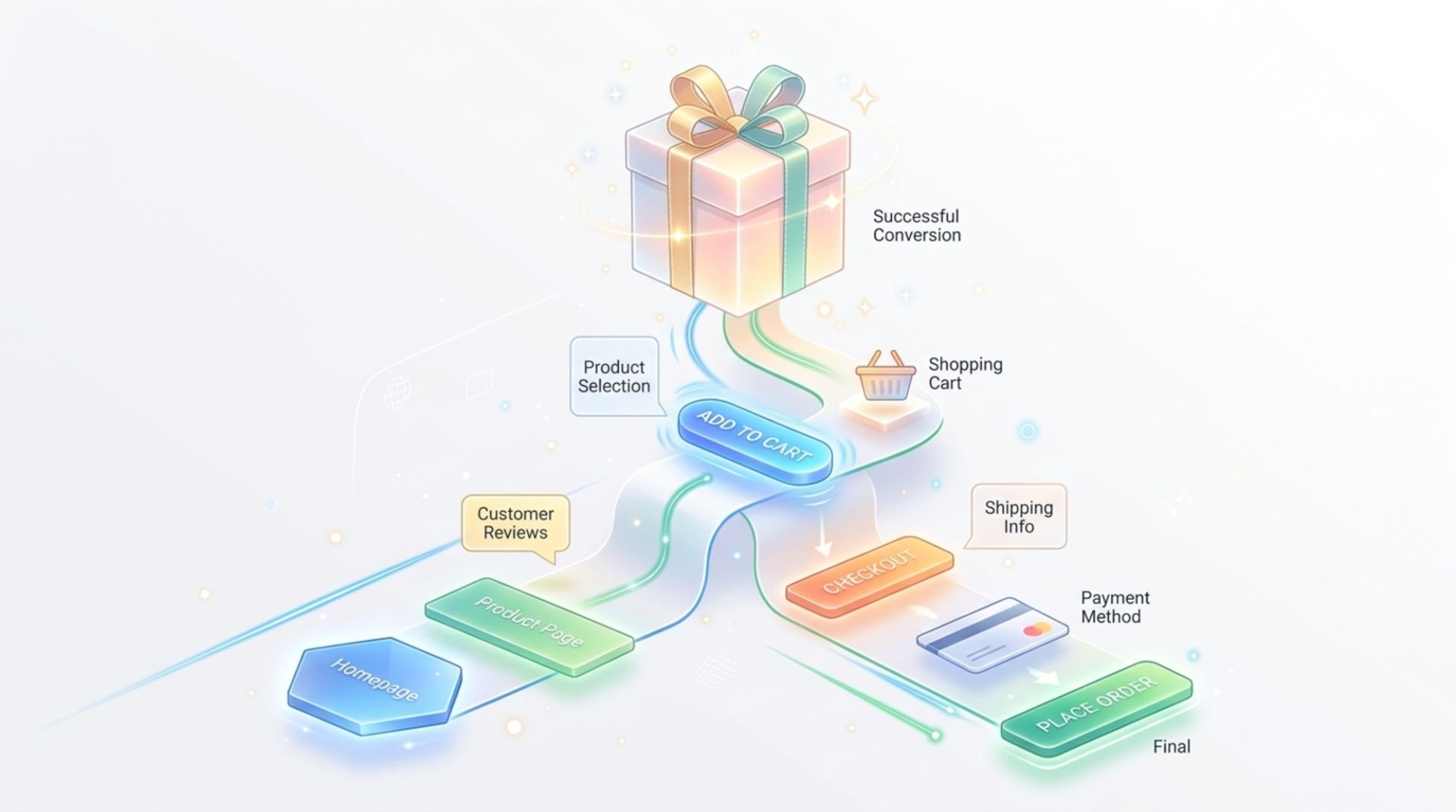
The 5-Part Ecommerce Site Design Checklist (Use This on Any Store)
Use this as an audit. For each item, mark Green (works), Yellow (present but unclear), or Red (missing). Then fix Reds first.
1) Navigation and discovery (reduce “Where do I click?”)
Category naming test: Could a new visitor predict what is inside each category without clicking?
Filter usefulness test: Filters match how people shop (size, price, use case, material, color). Avoid “marketing” filters like “Best vibes.”
Search quality check: Search supports typos and synonyms. If you sell “sneakers,” searching “trainers” should still work.
Collection page clarity: Each product card shows price, variant count (if relevant), and key differentiator (example: “Free returns”).
2) Product page decision clarity (answer the 7 buying questions)
Most product pages fail because they look good but leave key questions unanswered. Make sure each PDP covers:
What is it? Specific product title, not just a collection name.
Why this one? 3 bullet benefits tied to outcomes (comfort, durability, compatibility).
What do I get? What is included in the box, pack size, dimensions.
Will it fit/work for me? Sizing or compatibility guidance, model specs, “works with” list.
When will it arrive? Shipping cost and delivery range shown before checkout.
What if I change my mind? Returns and warranty in plain language.
Is this legit? Reviews, UGC, security signals, clear brand contact.
If you are investing in custom ecommerce web design, use the list above as acceptance criteria. It keeps “pretty pages” from shipping without conversion-critical information.
3) Checkout friction (remove reasons to abandon)
Guest checkout is available (or at least “checkout first, create account later”).
Total cost clarity: shipping, taxes, and delivery windows are visible early.
Form minimization: remove nonessential fields; use address autocomplete where possible.
Error handling: errors appear inline and explain how to fix them.
Payment coverage: offer methods customers expect in your market (cards plus popular wallets where relevant).
4) Mobile-first layout (design for thumbs, not cursors)
Tap targets: buttons and variant selectors are easy to hit with a thumb.
Sticky add-to-cart on long PDPs so users do not have to scroll back up.
Readable type: body text is comfortable without zooming; spacing supports scanning.
Media efficiency: images are crisp but optimized so mobile loads stay quick.
5) Trust and legitimacy (make risk feel low)
Policy visibility: shipping, returns, and warranty are linked near buy buttons, not buried in the footer.
Contact options: an email and at least one fast channel (chat or contact form) is easy to find.
Social proof: reviews include context (fit, usage, photos) and are not hidden behind tabs.
Consistency across touchpoints: your site matches your ad and social visuals so customers recognize you instantly.
A Simple Before/After Example (Product Page Fixes)
Scenario: A skincare brand is running paid social traffic to a hero product. Click-through is fine, but add-to-cart is low. The PDP looks polished but is missing decision details.
Before (common issues):
Benefits are vague (“glowing skin”) with no specifics.
Delivery time is only shown at checkout.
Returns policy is in the footer.
Variant selection is small on mobile and easy to mis-tap.
After (changes mapped to the checklist):
Add 3 benefit bullets tied to buyer intent (“reduces redness in 10 minutes,” “fragrance-free,” “dermatologist tested”), with a footnote linking to the methodology or study if you have one.
Show shipping price and estimated delivery range directly under the buy button.
Add “Free returns in 30 days” near the buy area, linking to details.
Increase variant selector size and add a sticky add-to-cart bar on mobile.
Notice this is ecommerce site design focused on uncertainty removal, not a full visual overhaul. Many teams can ship these changes quickly because they do not require new brand identity work.
How to Prioritize Design Changes in 60 Minutes
If you try to fix everything, you fix nothing. Use this quick scorecard to pick your next three changes.
Area
What to check
Score (0-2)
Fix effort (S/M/L)
Navigation
Can a new visitor find a product in 2 clicks?
Product page
Are shipping/returns/fit answers near the buy button?
Checkout
Are total costs and guest checkout available?
Mobile
Are variant selectors and buttons thumb-friendly?
Trust
Do reviews and contact options feel credible and easy to find?
How to use it: give each area a 0-2 score (0 = broken/missing, 1 = present but weak, 2 = solid). Then pick the lowest-score items with Small or Medium effort. That is your fastest path to improvement.
Where Campaign Creative Fits (So the Site and Ads Match)
Even strong ecommerce site design can underperform if the visual message changes from ad to landing page. A practical way to align:
Extract the ad promise: write the exact claim your ad makes (example: “Waterproof for 24 hours”).
Mirror it above the fold: same claim, same product, similar visual style.
Support it with proof: a short demo video, a spec line, or review excerpts that mention it.
Repeat it at checkout proximity: a small reminder near add-to-cart (“24-hour wear, free returns”).
If your team struggles to keep the feed, ads, and landing pages visually consistent, building a reusable system of social media post design templates can reduce drift. It also makes creative testing easier because changes stay within one recognizable style.
For teams who need help producing campaign-ready visuals quickly (especially for launches and paid social), Tetta Space is one option: they deliver on-brand creative with a fast turnaround, so your site experience and your acquisition creative look like the same brand.
FAQ About Ecommerce Site Design
What is the difference between ecommerce site design and ecommerce development?
Ecommerce site design focuses on structure, layout, content hierarchy, UX, and visual consistency. Development is the implementation: building templates, integrating payments, connecting inventory, and ensuring performance and reliability. A useful rule: design defines what the customer experiences; development defines how it is delivered.
What should I fix first if my store has traffic but low sales?
Start with product page decision clarity and checkout friction. Use the “7 buying questions” on your top 5 products, then check that total cost, delivery timing, and guest checkout are clear. These changes usually impact conversion more than cosmetic updates.
How do I know if my ecommerce site design is “trustworthy”?
Run a trust audit: policies near buy buttons, visible contact options, reviews with context, and consistent branding from ad to landing page. If a new visitor cannot quickly answer “Who are you, what happens if something goes wrong, and when will I get it?”, trust is fragile.
Do I need a full redesign to improve ecommerce performance?
Not always. Many stores improve results by fixing a small set of high-impact issues: shipping/returns clarity, mobile add-to-cart usability, better filters, and stronger PDP information. Consider a full redesign when your platform limits these fixes, your brand system is inconsistent, or your navigation no longer fits your catalog.
If you want a simple next step, run the checklist above on your top landing page and your best-selling product page, then pick three Red items to fix this week. And if you need campaign creative that stays consistent with your ecommerce site design across paid social and launches, consider reaching out to Tetta Space to scope a set of on-brand assets your team can ship fast.

Written by Celina Tran
I write about the space where design meets e-commerce. At TETTA, I work with brands to build social templates, scroll-stopping ads, and mascots people remember. Here, I share practical tips on visual consistency and creative workflows, and on how small teams can look big without an in-house design department.
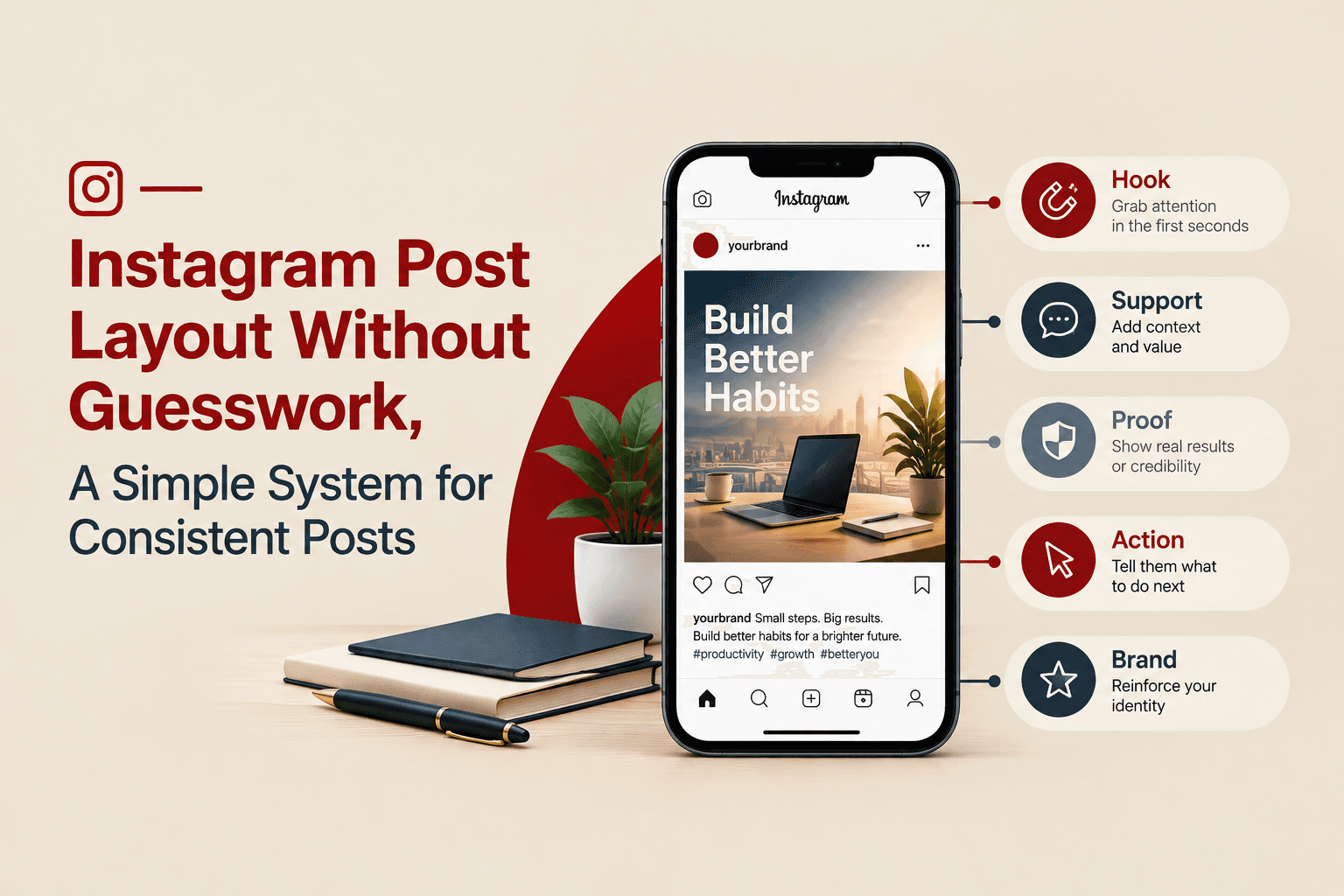
Instagram Post Layout Without Guesswork, A Simple System for Consistent Posts
Learn instagram post layout basics and a simple system to build consistent, scroll-stopping posts with clear hierarchy, grids, and repeatable templates.

Creative Facebook Ads vs Traditional Product Shoots: Which Fits Lean E-commerce Teams?
Compare creative facebook ads vs traditional product shoots with a decision table, cost-per-output benchmarks, and a 3-step migration playbook.

How to Make a Mascot People Remember (Not Just Like)
Learn how to make a mascot with a clear step-by-step process, style choices, and a launch checklist so your character stays consistent everywhere.
