
Custom Ecommerce Web Design That Matches Your Industry, A Practical Build Brief

Custom ecommerce web design only pays off when it reflects how your customers evaluate products in your category: what they compare, what they fear, and what proof they need before checkout. This guide gives you an industry-specific build brief you can hand to a designer or dev team, plus concrete UX criteria to validate the work before you launch.
Table of contents
Key takeaways
Write a 1-page industry build brief that defines the buying triggers, blockers, and top comparisons your design must support.
Design the product page as a decision flow: compare, validate, then commit, with category-specific proof placed at the exact point of doubt.
Use a pre-launch QA checklist (speed, accessibility basics, error states, tracking) so custom work does not ship with avoidable gaps.
Start With an Industry Build Brief (Not a Moodboard)
Most redesigns drift because the team starts with aesthetics instead of decision mechanics. Before wireframes, write a one-page brief that forces category reality into the UI.
Use this 8-part build brief template
Primary purchase driver: price, quality, fit, speed, scarcity, trust, results, or brand.
Top 3 objections: shipping/returns, sizing, authenticity, ingredients, warranty, compatibility, learning curve, etc.
What customers compare: SKU vs SKU, bundle vs single, plan vs plan, ingredients, materials, sizes, compatibility.
Proof required: reviews, UGC, certifications, before/after, lab results, press, guarantees, community.
Decision time: impulse (minutes) vs considered (days). This determines how aggressive your PDP and cart need to be.
Repeat purchase pattern: replenishment, seasonal, gifting, or one-time. This informs subscriptions, bundles, and reorder UX.
Operational constraints: variants complexity, warehouse/shipping rules, returns workflow, backorders, localization.
Success metrics: pick 2-3 such as add-to-cart rate, checkout conversion, AOV, return rate, email capture.
When you commission custom ecommerce web design, attach this brief to every ticket. It prevents subjective feedback like “make it pop” and replaces it with testable outcomes.
Custom Ecommerce Web Design Patterns by Industry (With Acceptance Criteria)
Below are proven UI patterns that map to common buying behaviors in different categories. Each includes acceptance criteria you can use to approve designs.
Fashion and apparel (fit risk is the conversion killer)
Pattern: “Fit confidence” block near size selection (size guidance, model info, return policy snippet).
Acceptance criteria: size selection includes an always-visible link to size help; return window is visible above the fold on mobile; variant out-of-stock behavior is clear (disabled state + alternative).
Beauty and skincare (trust and safety drive purchase)
Pattern: ingredient transparency module + claims proof (certifications, dermatologist tested, etc.).
Acceptance criteria: ingredients are scannable (not a wall of text); claims have a source or qualifying note; allergy/sensitivity guidance is discoverable within 1 tap on mobile.
Food and beverage (reorder and bundles matter)
Pattern: bundle builder or “subscribe and save” that does not hijack checkout.
Acceptance criteria: one-tap swap between one-time and subscription; clear per-unit pricing; shipping cutoffs and delivery estimates shown before payment step.
Home and furniture (high-consideration, logistics-heavy)
Pattern: delivery and returns UI as a first-class component (not buried in FAQs).
Acceptance criteria: delivery estimate shown on PDP with ZIP/postcode entry; dimensions shown in a consistent unit system; assembly requirements are explicit (what’s included, tools needed).
Electronics (compatibility anxiety and spec comparison)
Pattern: compatibility checker + comparison table anchored to decision attributes.
Acceptance criteria: key specs are summarized in 6-10 bullets; compatibility is answerable without leaving PDP; warranty and return conditions are visible pre-cart.
If you want a broader site-wide checklist beyond these industry patterns, pair this guide with ecommerce site design fundamentals to ensure category-specific work still follows conversion basics.

Mobile-First UI Specs That Prevent Costly Rework
Custom builds often fail in the unglamorous details: spacing, tap targets, sticky UI behavior, and error states. These specs keep your design system shippable.
Non-negotiable UI specs
Tap targets: minimum 44x44 px for primary controls (aligned with common mobile accessibility guidance).
Sticky add-to-cart: enable only after user has seen price and variant selection; show selected variant; include quantity only if it does not compress the CTA.
Form error states: every input has (a) inline error message, (b) error icon or color, (c) preserves user input after validation failure.
Empty states: cart empty, search no results, out-of-stock variants, and wishlist empty all have a next-step action.
Accessibility baseline: keyboard focus states, visible labels (not placeholder-only), and sufficient contrast. Reference WCAG guidance for what “sufficient” means in practice.
Performance benchmark you can actually manage
Set a launch requirement tied to Core Web Vitals (because design choices affect them). Use Google’s public definitions for Core Web Vitals and agree on a measurement method (field data if available; otherwise lab tests across a consistent device profile). Note: lab tests can over/underestimate real performance, so treat them as a pre-launch gate, not the final verdict.
How to Scope the Work (Pages, Components, and Handoffs)
Custom ecommerce web design gets expensive when scope is described as “a redesign.” Scope it as components and flows so you can price and QA it.
Scope using this 3-part structure
Pages (where components live): Home, Collection, PDP, Cart, Checkout, Account, CMS pages.
Components (reusable building blocks): header, navigation, filters, product card, review summary, gallery, bundle module, sticky CTA, trust bar.
Flows (what must not break): search, filtering, add to cart, guest checkout, returns initiation, subscription management.
Definition of done (so you do not argue at the end)
Design system deliverables: component library, states (default/hover/disabled/error), spacing rules, typography scale.
Responsive coverage: at least mobile and desktop; include one “awkward” breakpoint for your analytics top device.
Handoff assets: annotated designs, content guidelines for CMS, and a list of tracked events.
FAQ
How do I know when custom ecommerce web design is worth it vs a template?
It is usually worth considering when (1) your category needs specialized PDP logic (bundles, compatibility, subscriptions), (2) your merchandising requires unique collection filtering/sorting, or (3) your brand must look distinct across paid social and site. If your main issue is missing basics (slow site, unclear shipping/returns, weak product content), fix those first before paying for heavy customization.
What should I ask an agency or designer to prove they understand my industry?
Ask for (1) 2-3 examples of category-specific PDP decisions they made and why, (2) how they handle shipping/returns messaging in your category, and (3) what they measure after launch (add-to-cart, checkout completion, returns rate). You are looking for decision logic, not visuals only.

Written by Celina Tran
I write about the space where design meets e-commerce. At TETTA, I work with brands to build social templates, scroll-stopping ads, and mascots people remember. Here, I share practical tips on visual consistency and creative workflows, and on how small teams can look big without an in-house design department.

18 Data-Backed Insights on Brand Mascot Characters for Ecommerce
Brand mascot characters can lift recall and consistency. See 18 data-backed insights plus a practical rollout checklist for ecommerce teams.

Creative for Digital Marketing That Actually Improves Ad Results, A Practical Framework
Learn creative for digital marketing with a practical framework, examples, and checklists to build ads that earn attention and convert.

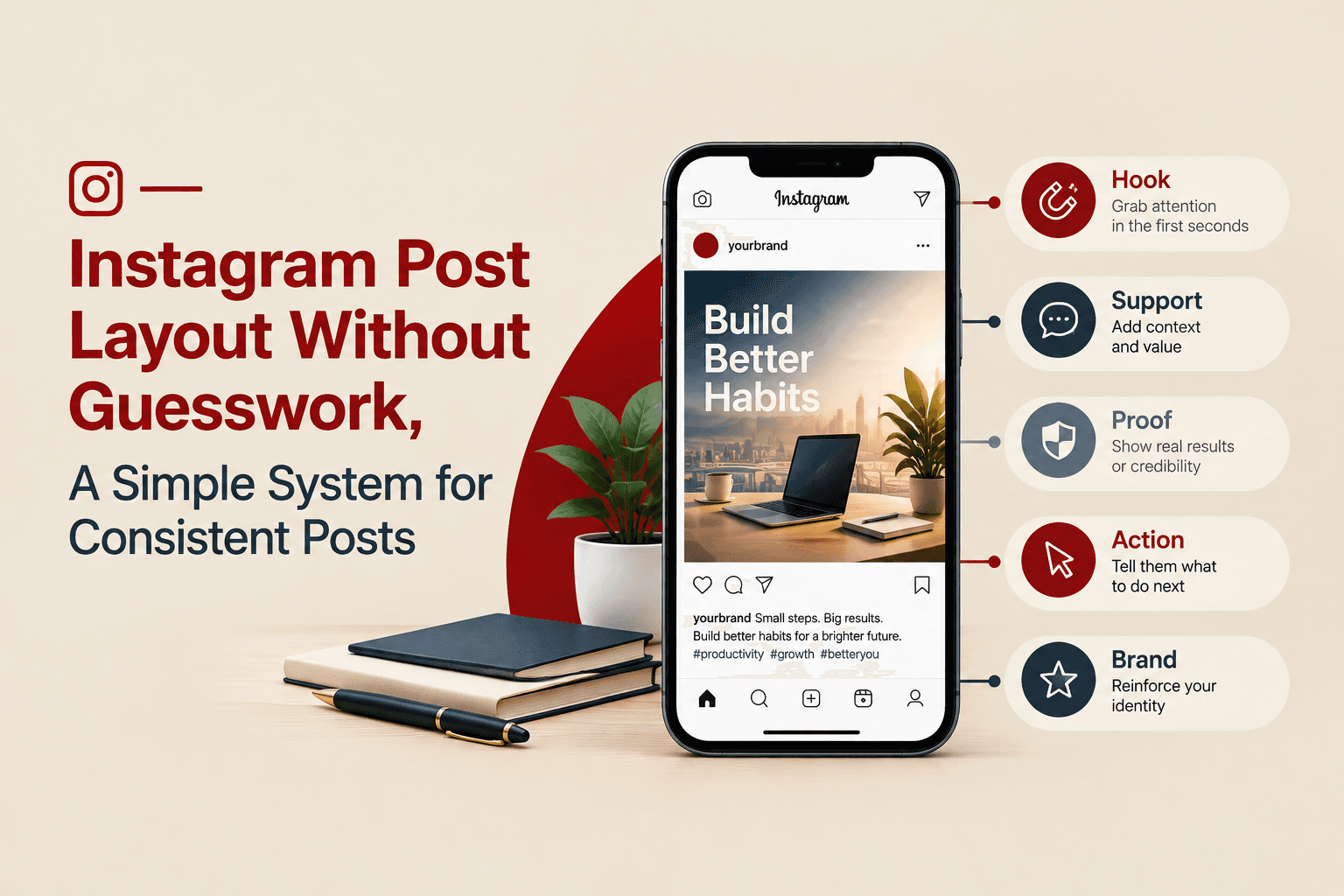
Instagram Post Layout Without Guesswork, A Simple System for Consistent Posts
Learn instagram post layout basics and a simple system to build consistent, scroll-stopping posts with clear hierarchy, grids, and repeatable templates.