
Social Media Post Design That Scales, Build a Template System Your Team Will Actually Use

Most teams struggle with social media post design for one simple reason: they treat every post like a one-off project. The result is slow production, inconsistent branding, and endless “can you resize this?” requests. The fix is not more inspiration, it is a reusable template system built around real content types.
Table of Contents
What Social Media Post Design Really Includes (Beyond “Making It Look Nice”)
The 5-Part Template System That Makes Social Media Post Design Faster
Key Takeaways
Good social media post design is a repeatable system: formats, hierarchy, and rules, not random layouts.
Start with 6 to 10 templates mapped to your most common post types, then iterate monthly.
Define “guardrails” (grid, type scale, safe zones, export sizes) so anyone can produce consistent posts quickly.
What Social Media Post Design Really Includes (Beyond “Making It Look Nice”)
Social media post design is the combination of visual hierarchy, layout rules, and brand decisions that help a message land in a fast-scrolling feed. If your posts are “pretty” but don’t perform (or take too long to produce), it usually means one of these components is missing.
Use this 4-question definition test
Can someone understand the post in 2 seconds? (clear headline, single focal point)
Is the brand recognizable without a logo? (repeatable colors, type, shapes)
Can it be reproduced by a non-designer? (templates and rules, not complex composition)
Does the layout match the objective? (education vs announcement vs conversion)
If you answered “no” to any, you do not have a design problem, you have a system problem.
It also helps to separate organic content from performance creative. If you are designing for paid, this connects directly to how you plan and test social media digital marketing creative ads, where speed and consistency matter because you need variations, not just one good-looking asset.
The 5-Part Template System That Makes Social Media Post Design Faster
This framework is designed for teams that publish weekly and need consistency across Instagram, LinkedIn, and Facebook without redesigning everything each time.
Part 1: Pick your “content primitives” (the repeatable post types)
Instead of starting from platform formats, start from what you actually publish. Use this shortlist and circle your top 5:
Announcement (launch, feature, event)
Educational carousel (how-to, checklist, framework)
Testimonial/social proof
Product highlight (benefit-led, not spec dump)
Offer/promo
UGC or community spotlight
Comparison (A vs B, before/after)
FAQ myth-busting
Rule: build templates only for post types you publish at least twice per month. Everything else can be ad hoc.
Part 2: Create a hierarchy recipe for each primitive
Write a one-line hierarchy formula per template. Examples:
Announcement: headline (7 words max) + supporting line + CTA chip
Educational carousel: strong promise + step list + recap slide
Testimonial: quote + outcome metric + source + small brand stamp
This is where social media post design stops being subjective. You are defining repeatable information order.
Part 3: Define guardrails (so the system stays on-brand)
Guardrails are design rules that make posts feel consistent even when the content changes. Minimum set:
Type scale (example: H1 60-72, H2 40-48, body 28-32 for 1080px)
Color usage (primary, accent, warning, background)
Component rules (buttons, pills, badges, dividers)
Image treatment (shadows, corner radius, grain/no grain)
Part 4: Build variations on purpose (not random edits)
For each template, create 3 variations that matter:
Text-heavy vs visual-heavy
Light vs dark background (if brand allows)
Single-message vs multi-point layout
These are useful for creative testing and avoid the common “make it different but the same” feedback loop.
Part 5: Package the system so it is usable
A template system fails when files are messy. Your delivery should include:
Editable source (Figma or Canva)
Exports folder by platform and size
Short usage notes: what to edit, what not to touch
If your team already works in Figma, reference Figma components and styles to keep typography and colors consistent across editors.
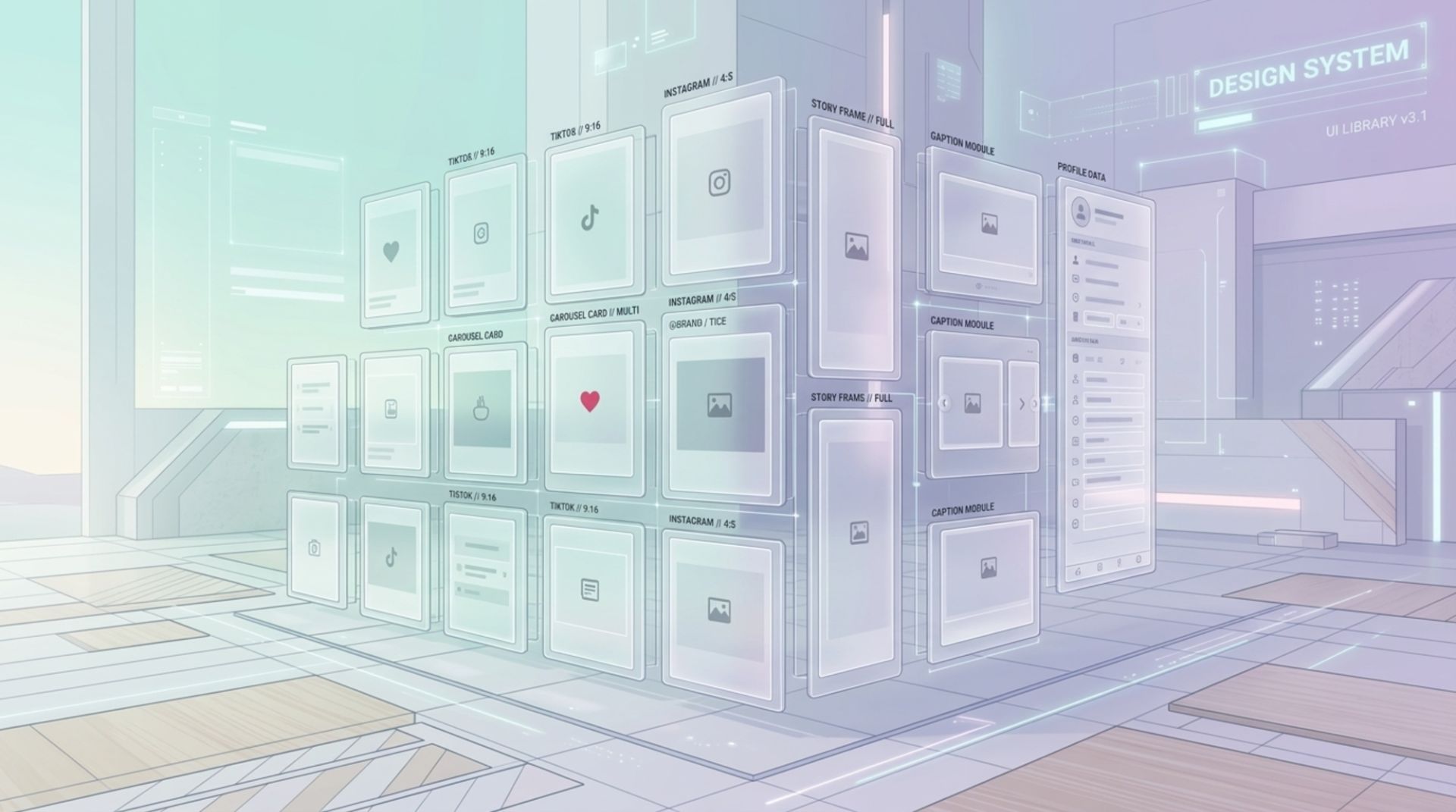
Template Specs That Prevent Rework (A Practical Checklist)
Most rework comes from missing specs, not “bad design.” Use this checklist to make each template production-ready.
Production-ready template checklist (copy/paste)
Canvas sizes: 1080x1080, 1080x1350, 1080x1920 (stories)
Safe zones: keep critical text 80-120px from edges; for stories, leave extra top/bottom space for UI overlays
Max text lines: set per slide (example: headline 2 lines max)
Contrast rule: body text must remain readable on mobile at arm’s length; if unsure, increase size before weight
Image slots: define aspect ratios for photos (1:1, 4:5) and whether cutouts are allowed
Logo usage: specify where it appears, or when it is intentionally omitted
Export naming: TemplateName_Platform_Size_Version (example: Testimonial_IG_1080x1350_v3)
When to Build In-House vs Use a Design Partner
Not every team should outsource, and not every team should do everything internally. Use this decision table to pick the most practical path.
Criteria | Build In-House | Use a Design Partner |
|---|---|---|
Weekly volume | Low to medium, stable cadence | High volume or frequent launches |
Brand consistency today | Guidelines are clear, team follows them | Feed looks inconsistent and needs a system reset |
Speed requirement | Flexible timelines | Short timelines, frequent turnarounds |
Team skill mix | Someone owns templates and QA | Team is stretched; no dedicated design lead |
What you need most | Execution of known patterns | Template system + execution + variations |
If you do partner up, ask one practical question before anything else: “Will we receive editable source files and a system we can reuse?” That is the difference between buying one month of posts and building an engine for social media post design that lasts.
FAQ About Social Media Post Design
How many templates do I need to start?
Start with 6 to 10 templates tied to your most common post types. That is usually enough to cover announcements, educational carousels, testimonials, product highlights, and promos without creating an unmanageable library.
Should I design separately for Instagram, LinkedIn, and Facebook?
Design a shared system (type scale, colors, components) and then adapt sizes per platform. The layout logic can stay the same, but you should check readability and safe zones per format, especially for stories and vertical placements.

Written by Celina Tran
I write about the space where design meets e-commerce. At TETTA, I work with brands to build social templates, scroll-stopping ads, and mascots people remember. Here, I share practical tips on visual consistency and creative workflows, and on how small teams can look big without an in-house design department.

18 Data-Backed Insights on Brand Mascot Characters for Ecommerce
Brand mascot characters can lift recall and consistency. See 18 data-backed insights plus a practical rollout checklist for ecommerce teams.

Creative Ads Design, A Practical System for Making Ads People Actually Notice
Learn creative ads design with a simple system: stronger hooks, clearer layouts, and faster testing. Includes checklists and examples.

Ecommerce Layout Design That Guides Shoppers From Landing to Checkout
Learn ecommerce layout design with a practical framework, page-by-page checklist, and examples to improve clarity, trust, and conversions.