
Social Media Templates Explained, The Practical Benefits (and How to Avoid Template Fatigue)

Social media templates are pre-built, editable layouts for posts (and sometimes stories, reels covers, ad variations, and carousels) that help teams publish faster while staying visually consistent. The upside is real: fewer design decisions, fewer brand mistakes, and easier reuse. The downside is also real: when templates are treated like shortcuts instead of a system, feeds start to look repetitive and performance can flatten.
- What Social Media Templates Are (and What They Are Not)
- The Measurable Benefits, Where Templates Actually Save Time
- A 5-Part Template System That Stays On-Brand Without Getting Stale
- Template Fatigue, How to Spot It and Fix It
- A Concrete Example, Building a 10-Template Starter Set
- Implementation Checklist (One Week)
- Templates work when they encode brand rules (type, spacing, color, layout), not when they are just “pretty frames.”
- A small set of flexible templates (8 to 12) usually beats a huge library because it is easier to govern and refresh.
- Prevent “template fatigue” by building variants, rotating content types, and measuring repeat patterns across your last 30 posts.
What Social Media Templates Are (and What They Are Not)
At their best, social media templates are reusable design patterns that reduce decision-making. They standardize what should be consistent (brand elements) while leaving room for what should change (offer, message, imagery, hook).
Use this definition test
- If you swap text and images, does it still look like your brand? If yes, you have a real template.
- If a new teammate can use it with minimal guidance, does it still come out “correct”? If yes, the template includes rules, not just a layout.
- If you post 6 times in a row using it, does your feed still look varied? If yes, the template has built-in flexibility.
What templates are NOT
- Not a content strategy: they do not pick topics, angles, or offers for you.
- Not a brand system: they should be built from your brand rules (fonts, color, voice), not replace them.
- Not a one-time asset drop: they need maintenance (variants, seasonal adjustments, performance-informed updates).
If your team is also trying to scale social media post design, templates are often the most practical starting point because they force you to define repeatable decisions.
The Measurable Benefits, Where Templates Actually Save Time
Templates save time in specific steps of production. The value is less about “designing faster” and more about removing avoidable rework (brand fixes, resizing, reformatting, approvals).
A quick benchmark you can run (no tools required)
Take your last 10 posts and estimate time spent in each stage:
- Planning: topic, message, CTA, asset list
- Design: layout, typography, imagery, exporting
- Review: brand corrections, stakeholder tweaks
- Reformatting: making sizes for other placements
Then ask: “Which stage keeps repeating the same feedback?” That is the stage templates should target first (often review and reformatting).
Benefit-to-feature mapping (what to build into templates)
| Problem you see | Template feature that fixes it | How you know it worked |
|---|---|---|
| Too many off-brand posts | Locked styles (fonts, color tokens, logo safe area) | Fewer brand corrections in reviews |
| Design takes too long | Pre-set layout grids + spacing rules | Lower average design time per post |
| Every platform resize is painful | Multi-size variants (1:1, 4:5, 9:16, 16:9) | Fewer “can you also make…” requests |
| Feed looks repetitive | 3 to 5 visual variants per template type | Higher format rotation across last 30 posts |
For many teams, the real unlock is standardizing social media creatives so performance testing is about messaging and offers, not inconsistent visuals.
A 5-Part Template System That Stays On-Brand Without Getting Stale
Instead of building dozens of one-off social media templates, build a small system that covers your highest-volume post types and includes controlled flexibility.
Step 1: Define 4 “content containers” (your repeatable post types)
Pick the 4 most common post intents you publish. Example set:
- Education: tips, how-tos, myth vs fact
- Proof: testimonials, results, UGC, before/after
- Promotion: launch, sale, bundle, limited drop
- Brand: founder POV, values, behind-the-scenes
Step 2: For each container, build 2 layouts and 2 variants
This alone gives you 16 combinations (4 containers x 2 layouts x 2 variants) without feeling repetitive.
- Layout examples: text-led, image-led
- Variant examples: light background vs dark background, photo vs illustration
Step 3: Bake in brand rules as “guardrails”
Include a one-page template rule sheet inside the file:
- Type scale (e.g., H1, H2, body sizes)
- Spacing increments (e.g., 8px or 10px steps)
- Logo safe area
- Contrast rule (minimum readability standard). For accessibility references, see WCAG guidelines.
Step 4: Standardize naming and exporting
Use a naming convention that makes assets searchable:
- [Channel] IG / LI / FB
- [Container] EDU / PROOF / PROMO / BRAND
- [Format] 1x1 / 4x5 / 9x16
- [Date or campaign]
Step 5: Decide where templates live (and who maintains them)
Choose one source of truth. If you are debating file formats, this overview of social media design templates in Canva vs Figma can help you match tools to team size and governance.
Template Fatigue, How to Spot It and Fix It
Template fatigue happens when audiences recognize the pattern before they read the message. It is not a “templates are bad” problem, it is a “variance is missing” problem.
Run this 10-minute audit on your last 30 posts
- Count layout repeats: how many times did the same layout show up?
- Check hook placement: is your headline always top-left (or always centered)?
- Check color dominance: do 1 to 2 colors overpower everything?
- Check imagery style: are you mixing product, lifestyle, UGC, and graphics?
Fixes that do not require a redesign
- Introduce a “wildcard” slot: 1 post per week can break the grid (still on-brand).
- Add 2 new variants: same template structure, different typography emphasis or image crop rules.
- Rotate format types: single image, carousel, short text card, quote, comparison.
If you are building an instagram post template system specifically, the easiest fatigue fix is to keep the same brand DNA (type and color) while rotating composition (text-first vs image-first vs split layout).
A Concrete Example, Building a 10-Template Starter Set
Here is a practical 10-template starter set that covers most weekly needs for a growing brand without creating a huge library.
Starter set (10 templates)
- Educational carousel: 5 to 7 slides, consistent headline area
- Single-tip card: one idea, high contrast, large type
- Before/after: split layout with labels and a result callout
- Testimonial card: quote + name + proof element
- UGC frame: photo placeholder + caption zone + CTA
- Product feature: 3 bullets + product image
- Offer announcement: price or discount hierarchy + urgency line
- FAQ post: one question, one clear answer
- Founder POV: portrait + short statement + signature element
- Weekly roundup: 3 items with icons or thumbnails
What “editable” should mean (criteria)
- Text styles are applied (no manual font changes)
- Image placeholders are masked and replaceable
- Spacing is consistent (grid or guides included)
- Exports are pre-configured per channel size
Implementation Checklist (One Week)
Use this as a lightweight rollout plan.
Day 1: Inventory and decide scope
- Pull your last 30 posts into a board
- Group them into 4 containers (education, proof, promotion, brand)
- Pick the top 10 posts to “template-ize” first
Day 2 to 3: Build templates with guardrails
- Create 2 layouts per container
- Add 2 variants per layout (background, typography emphasis, or image treatment)
- Write the one-page rules inside the file
Day 4: Create multi-size variants
- Define which sizes matter for your team (common set: 1:1, 4:5, 9:16)
- Check text safety for each crop
Day 5: Pilot with real content
- Publish 3 posts using the new templates
- Track internal time spent (design + review)
- Note recurring edits and update rules
Day 6 to 7: Lock your “source of truth”
- Decide who can edit master templates
- Create a folder structure and naming convention
- Add a simple request process for new variants
FAQ About Social Media Templates
If you want a professionally built template system that your team can reuse immediately (with organized exports and editable files), Tetta Space offers social template systems designed for fast-moving brands. Draft your first 10-template scope using the checklist above, then share it with Tetta Space as a starting brief for a custom quote.

Written by Thomas D
Hi, I'm Thanh Duong, but most clients know me as Thomas. I lead product design at Tetta Creative Studio, and over the past five years I've designed websites, online stores and digital products for brands in technology, AI, fashion, F&B and beauty, across Vietnam, the US and Australia,... My work sits where user experience meets business results. I map customer journeys, simplify checkout flows and build design systems that help small teams ship faster. On Upwork, I hold Top Rated status, a badge I earned through consistent client satisfaction and on-time delivery. On the Tetta blog, I write about e-commerce UX, product page design, and the practical decisions behind interfaces that convert. When I'm not designing, I'm drawing or playing with my cat. Expertise: UI/UX design, e-commerce product design, design systems, prototyping

Best UX Ecommerce Sites: What They Do Differently (and What to Copy)
Learn what best ux ecommerce sites do differently with a practical UX checklist you can apply to navigation, PDPs, cart, and checkout.


Brand Mascot Basics for Ecommerce, When It Helps and How to Know It’s Working
Learn what a brand mascot is, when it helps ecommerce design, and a practical checklist to build and measure a brand mascot without guesswork.

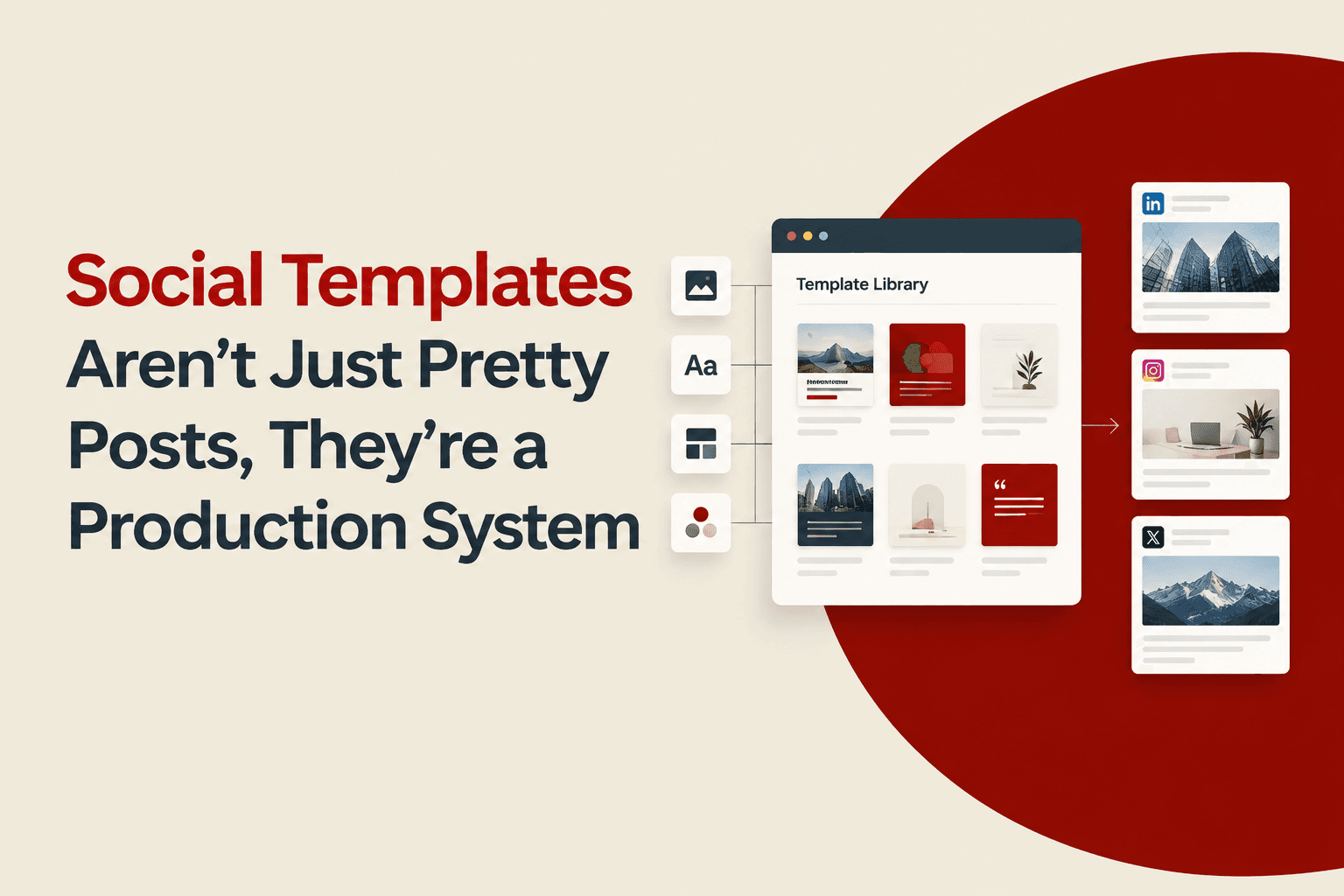
Social Templates Aren’t Just Pretty Posts, They’re a Production System
Learn what social templates are, why they work, and a practical framework to build social templates your team can reuse without losing brand consistency.