
Social Templates Aren’t Just Pretty Posts, They’re a Production System

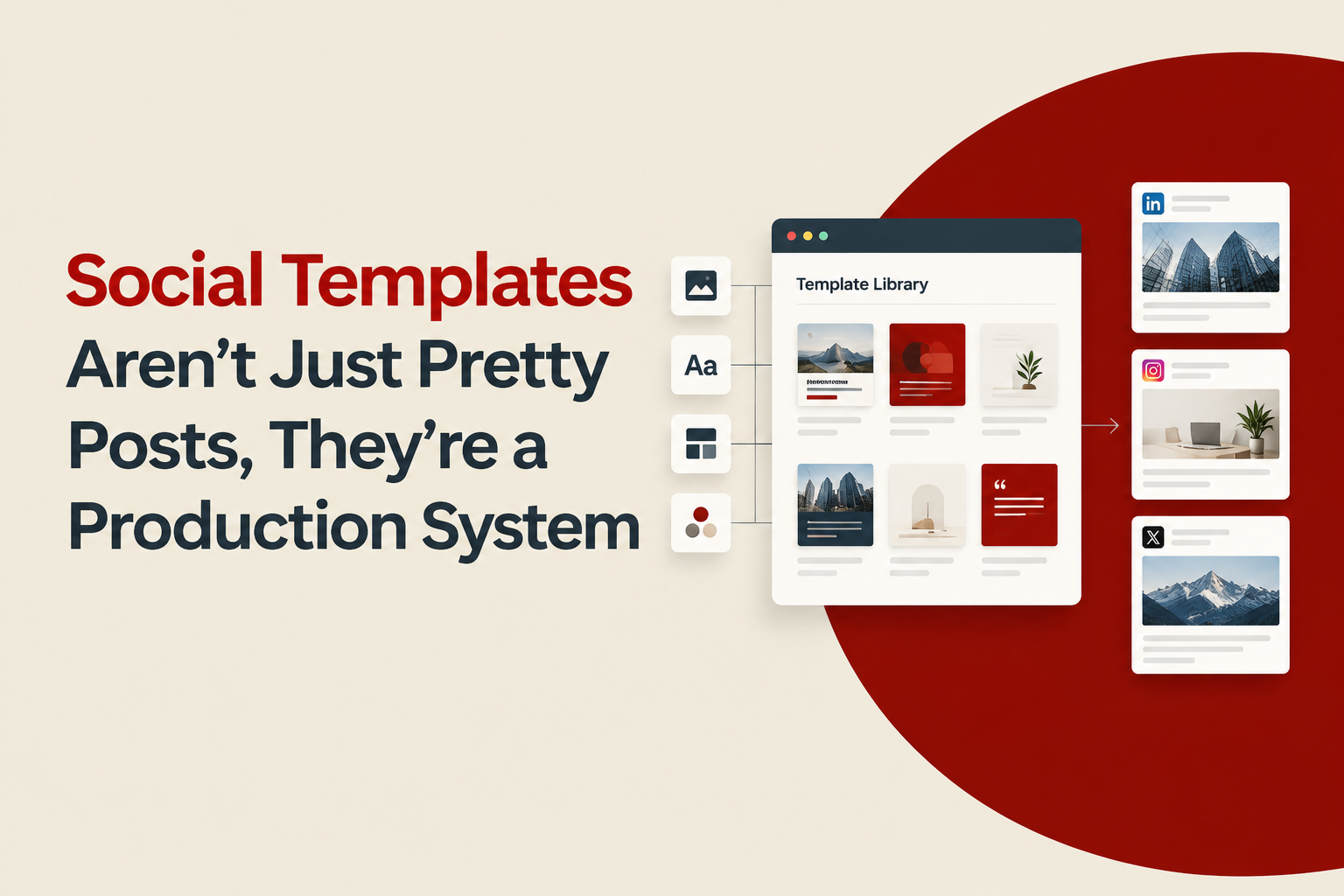
Social templates are reusable, pre-designed layouts your team can plug new copy, images, and offers into without redesigning every post from scratch. Used well, they are less about aesthetics and more about building a repeatable production system that keeps your feed consistent while reducing design time, review cycles, and last-minute scrambling.
- What “Social Templates” Means (and What It Doesn’t)
- The Real Benefits of Social Templates, Measured in Workflow
- A 5-Step Framework to Design Social Templates That Don’t Break
- The Template Spec Sheet (Copy-Paste Checklist)
- Example System: 10 Social Templates for a One-Month Launch
- Common Failure Modes and How to Prevent Them
- Tools and File Setup (So the System Survives Hand-offs)
- Good social templates reduce decision-making, not creativity. They standardize the “container” so your message can vary.
- A durable template system is built around content types (offers, education, proof), clear rules, and flexible components.
- Use a spec sheet and a small QA checklist to avoid the most common problems: off-brand edits, unreadable text, and “template fatigue.”
What “Social Templates” Means (and What It Doesn’t)
Definition: social templates are a set of layouts with defined rules for typography, spacing, hierarchy, and components (logo, headline, product area, CTA, disclaimers) that can be reused across posts and resized for placements.
What they are not: a random folder of one-off designs, or a single rigid layout you force every message into. If your team constantly “breaks the template” to make it work, the template is under-specified (missing components, variants, or rules).
In practice, teams treat templates as either (1) a speed tool or (2) a brand tool. The best systems do both by limiting what changes (structure) while allowing what should change (message, offer, creative testing inputs).
The Real Benefits of Social Templates, Measured in Workflow
Instead of vague promises, evaluate social templates by what they remove from your process. Here’s a workflow-based benchmark you can use when deciding whether templates are “working.”
| Workflow bottleneck | What happens without templates | What good templates change | How to measure it |
|---|---|---|---|
| Design starts from zero | Layout decisions repeated for every post | Layout decisions are pre-made and reusable | Avg. design time per post (baseline vs after) |
| Brand inconsistency | Different spacing, fonts, colors, icon styles | Rules constrain choices so output stays consistent | # of brand corrections per review round |
| Slow approvals | Stakeholders debate layout instead of message | Reviews focus on copy, offer, and accuracy | Rounds to approval and time-to-publish |
| Scaling formats | Manual resizing causes errors | Pre-defined size variants reduce rework | # of resize-related fixes per campaign |
If you want a deeper explanation of how reusable assets create compounding speed, this companion piece on social media templates also breaks down how to avoid overusing the same layout until it stops performing.
A 5-Step Framework to Design Social Templates That Don’t Break
This is the simplest way to build social templates that hold up under real deadlines, multiple editors, and changing promos.
Step 1: Inventory your content into 6 repeatable “post jobs”
- Offer (discount, bundle, limited-time)
- Product highlight (features, materials, ingredients, specs)
- Proof (review, UGC quote, press mention)
- Education (how-to, tips, myth vs fact)
- Story (brand POV, founder note, behind-the-scenes)
- Comparison (vs alternatives, before/after, checklist)
Templates should map to these jobs, not to “Monday post” or “something for Instagram.” When your team knows the job, they know which layout to pick.
Step 2: Choose the minimum viable set of layouts (start smaller than you think)
Start with 8 to 12 templates total, then add only when a new content job appears. A common mistake is launching with 30 templates and maintaining none.
- 4 single-image templates (offer, product, proof, story)
- 3 carousel templates (education, comparison, product breakdown)
- 1 story template (announcement)
- Optional: 1 ad-ready variant per top performer
If you are specifically building multi-slide content, use this guide on carousel templates for instagram to pick the right structure based on how much information you need per slide.
Step 3: Build components first, then assemble templates
Components are what make social templates flexible. Create these building blocks and lock their rules:
- Text styles: headline, subhead, body, disclaimer, CTA
- Image modules: product cutout area, lifestyle crop frame, UGC frame
- Badges: “New,” “Back in stock,” “Limited,” “Bestseller”
- Proof blocks: star rating, quote, publication logo row
- Pricing module: price, compare-at, “from $X”
This is the difference between a template that adapts and one that gets redesigned every time the copy changes length.
Step 4: Define “stretch rules” for real copy (so editors don’t guess)
Write rules as constraints. Example rules that prevent 80% of layout breakage:
- Headline max: 7 words (hard stop). If longer, use subhead.
- Minimum font size: 28px for feed, 42px for story (adjust to your brand, but set a floor).
- Safe area: keep key text 120px away from edges (prevents UI overlap on some placements).
- Contrast check: text must pass a quick contrast check for legibility; you can validate using WCAG contrast guidance even if you are not designing for strict compliance.
Step 5: Add variants that reflect how you actually post
For each template, add 2 variants instead of creating entirely new templates:
- Light vs dark background
- Product-left vs product-right (so your feed doesn’t look stamped)
- Short vs long copy (especially for proof and education)
This approach reduces “template fatigue” while keeping the system manageable.
The Template Spec Sheet (Copy-Paste Checklist)
Use this spec sheet for each template so anyone can use it without asking the designer.
- Template name: (e.g., Proof Quote 01)
- Post job: Proof / Offer / Education / etc.
- Primary message zone: headline + max characters
- Secondary zone: subhead + max characters
- Image requirement: cutout, lifestyle, UGC, none
- Required elements: logo yes/no, URL yes/no, disclaimer yes/no
- Variants included: dark/light, left/right, long/short
- Export sizes: 1080x1080, 1080x1350, 1080x1920 (as needed)
- Do-not-change: fonts, spacing tokens, logo lockup rules
- Owner: who updates this template when brand rules change
This single page prevents slowdowns when you hand off creation to a coordinator, intern, or new hire.
Example System: 10 Social Templates for a One-Month Launch
Here’s a concrete starting set for a typical e-commerce launch with weekly promos and ongoing education content. The point is not the exact list, but how each template maps to a post job.
- Launch announcement (single image, bold headline, product cutout)
- Feature highlight (single image, 3 icon bullets)
- Offer card (single image, price module + urgency badge)
- UGC frame (single image, photo + short quote)
- Review proof (single image, stars + quote + name/location)
- Before/after comparison (carousel, 5 slides)
- How it works (carousel, 6 slides: problem, mechanism, steps, FAQ)
- Myth vs fact (carousel, 5 slides with consistent headers)
- Bundle explanation (carousel, 4 slides: what’s included, who it’s for, savings)
- Story announcement (story, safe-area aware, CTA button zone)
To keep this scalable, pair the template set with a repeatable creation method. This guide on social media post design goes deeper on turning templates into a system your whole team can operate.
Common Failure Modes and How to Prevent Them
Most template systems fail in predictable ways. Use this prevention checklist during your next template refresh.
- Failure: Templates look consistent but performance drops because every post feels identical.
Prevention: Add 2 variants per template (layout flip, background swap) and rotate content jobs weekly. - Failure: Editors stretch text, shrink fonts, and break hierarchy.
Prevention: Enforce headline word limits and minimum font sizes, and include a “long-copy” variant. - Failure: Paid placements require different crops and everything gets rebuilt.
Prevention: Define export sizes up front and create ad-ready versions for your top 2 templates. - Failure: Brand drift happens over months.
Prevention: Create a monthly 15-minute QA: sample 9 posts and check spacing, fonts, color usage, logo rules.
Tools and File Setup (So the System Survives Hand-offs)
The tool matters less than the structure. What matters is that your social templates have locked styles, components, and naming conventions.
- Design tool: Use either Figma or Canva, but standardize on one “source of truth.”
- Naming convention: JOB-PLACEMENT-VARIANT (e.g., PROOF-FEED-DARK, EDUCATION-CAROUSEL-LONG)
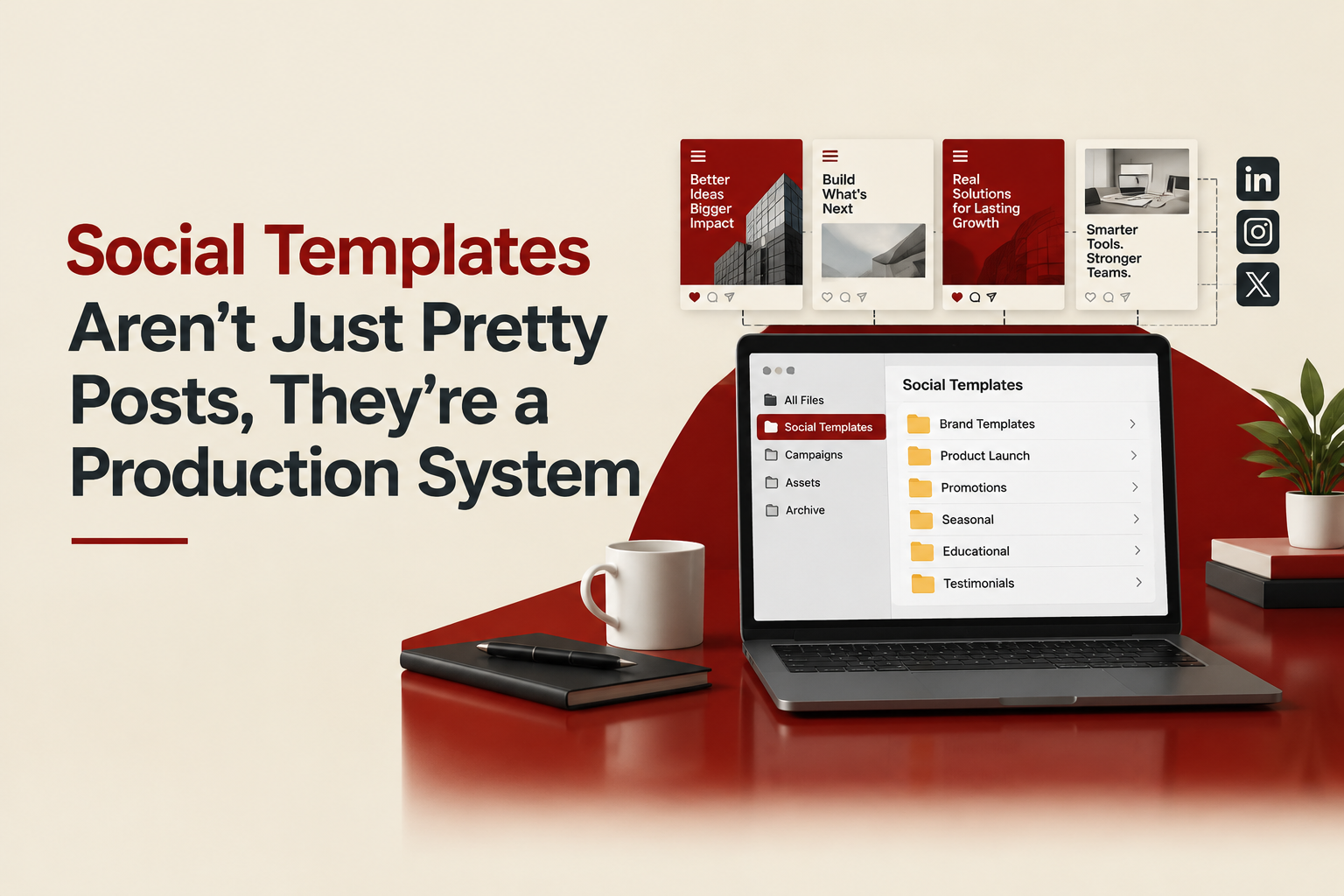
- Folder structure: 01 Components, 02 Templates, 03 Exports, 04 Archive
- Permissions: Limit who can edit core components; let everyone duplicate templates for new posts.
If you are deciding which tool holds up better as your team grows, see this breakdown of social media design templates in Canva vs Figma, with practical trade-offs.
FAQ About Social Templates
If you want help turning your brand into a clean, reusable set of social templates your team can ship quickly, Tetta Space can design a template system with organized, editable files so you can produce on-brand creative faster. Outline what you’re promoting and your target formats, and request a custom quote.

Written by Celina Tran
I write about the space where design meets e-commerce. At TETTA, I work with brands to build social templates, scroll-stopping ads, and mascots people remember. Here, I share practical tips on visual consistency and creative workflows, and on how small teams can look big without an in-house design department.

Ads Design Studio vs In-House Design Team: Which Is Better for High-Tempo Paid Social?
Compare an ads design studio vs in-house design for speed, scale, and cost-per-output. A decision guide for teams shipping paid social weekly.
Creative Advertising Campaigns That Actually Convert, A Practical Shortlisting Framework
Evaluate creative advertising campaigns with a repeatable scorecard: concept, proof, production speed, and test plan to pick winners faster.

Creative for Digital Marketing That Actually Improves Ad Results, A Practical Framework
Learn creative for digital marketing with a practical framework, examples, and checklists to build ads that earn attention and convert.
