
Carousel Templates for Instagram: 6 Options Worth Shortlisting (and How to Choose)

Most teams don’t struggle because they can’t find carousel templates for instagram (there are thousands). They struggle because the templates don’t survive real work: weekly content cadence, multiple contributors, approvals, paid variations, and the constant pressure to stay on-brand. This guide helps you shortlist options based on how they actually perform in a production workflow, not just how they look in a marketplace preview.
- The 5 criteria that matter when evaluating carousel templates
- Shortlist: 6 places to get carousel templates for Instagram (with trade-offs)
- Decision table: match the option to your workflow
- A practical benchmark test you can run in 45 minutes
- How to avoid template fatigue without redesigning every month
- Choose carousel templates based on editability, collaboration, and brand-system fit, not “how many templates” a library has.
- Run a quick benchmark (swap content, resize, export, handoff) before committing a team to a tool.
- If your feed looks repetitive, fix it with a modular carousel system (layout + components), not more random templates.
The 5 criteria that matter when evaluating carousel templates
Use these criteria to compare carousel templates for instagram the same way you’d evaluate any production asset: by how reliably your team can ship.
- Brand lock-in (0 to 3)
- 0: Anyone can change colors/fonts freely.
- 1: Brand kit exists, but easy to drift.
- 2: Styles/components exist; moderate guardrails.
- 3: Strong guardrails (components, styles, shared libraries) and clear usage rules.
- Multi-user collaboration
- Do comments, version history, and approval handoff work cleanly?
- Can you avoid “final_v7_reallyfinal” files?
- Modularity for variants
- Can you produce 5 variants (offer, hook, CTA, audience) without rebuilding layouts?
- Does the system support reusable blocks (headers, product cards, testimonials, comparison rows)?
- Export reliability
- Does it export crisp 1080x1350 pages, consistent margins, and predictable text rendering?
- Does it batch export each slide/page as a separate file?
- Template governance
- Can you manage a “golden set” (approved templates) while still letting people duplicate safely?
- Is there a sane way to retire old layouts?
If you’re building a reusable system (not just a one-off post), it helps to also define your instagram post layout rules up front (spacing, type scale, headline length). That prevents your carousel templates from drifting into “every slide looks different” territory.
Shortlist: 6 places to get carousel templates for Instagram (with trade-offs)
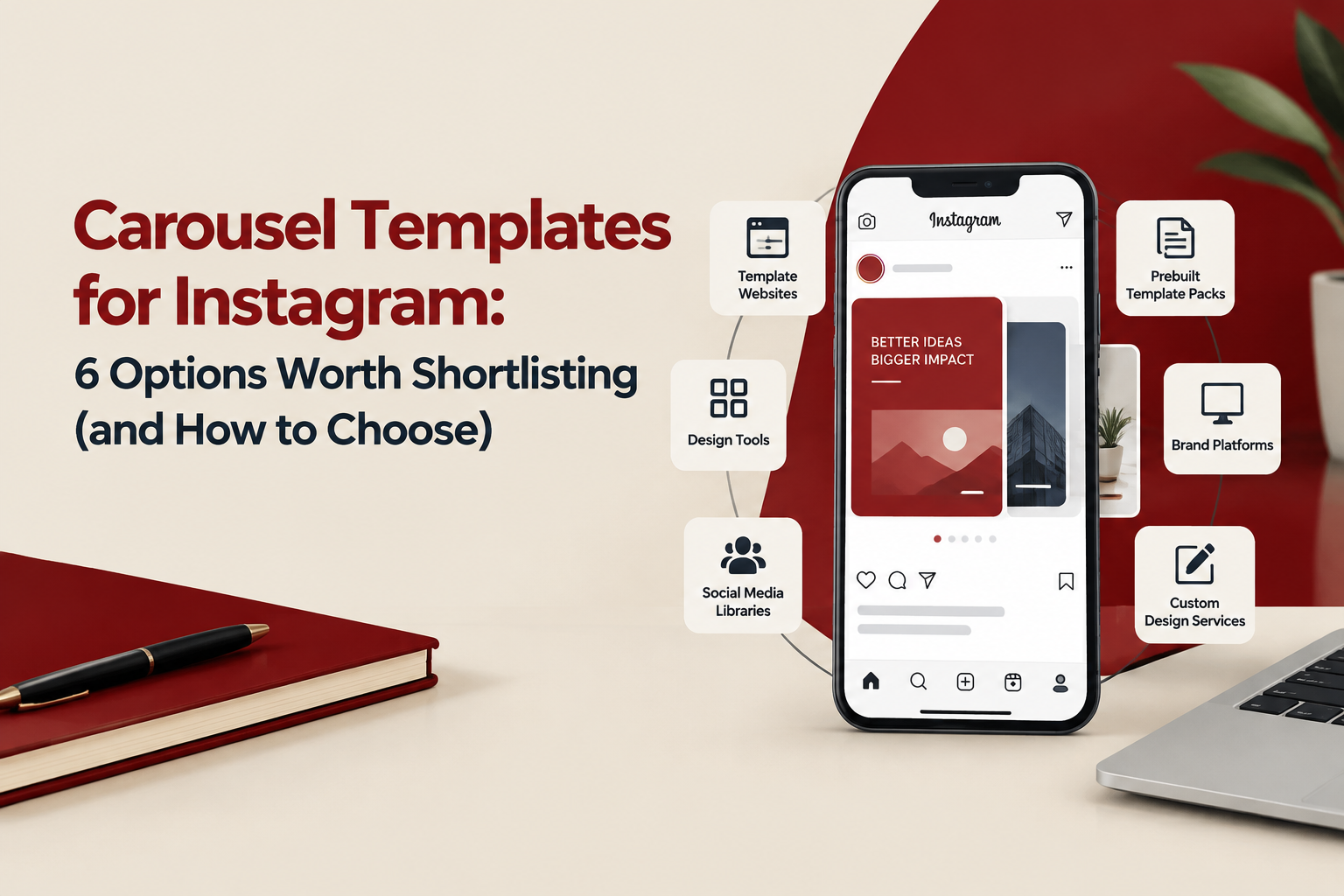
Below are six common options teams use for carousel templates for instagram. The goal is not a “winner”, but a shortlist you can map to your workflow.
1) Canva templates (marketplace + team templates)
Good for: fast production by non-designers; large template selection; quick edits for social managers.
- Strength: speed and accessibility.
- Trade-off: brand consistency can drift unless you enforce strict rules and a limited library.
- Watch for: typography changes between editors, inconsistent spacing, and uncontrolled duplication.
If you’re deciding between “Canva marketplace templates” vs a true system, this article on an instagram post template approach breaks down what tends to fail once multiple people publish.
2) Figma community files + your own component library
Good for: teams that want consistency, reusable components, and clean collaboration.
- Strength: components, styles, versioning, and shared libraries make it easier to keep carousels on-brand.
- Trade-off: higher learning curve for non-designers; you need someone to maintain the system.
- Watch for: exporting and naming conventions (fixable with a clear workflow).
Official reference: Figma’s platform overview.
3) Adobe Express template library
Good for: teams already in Adobe ecosystems who want quick templating plus basic brand controls.
- Strength: familiar editing for Adobe users; decent template starting points.
- Trade-off: collaboration and modularity often feel less “system-like” than a component-driven approach.
- Watch for: whether your team can keep spacing/type consistent without a component library.
4) Notion or Google Slides as a “content-to-design” staging area (paired with a design tool)
Good for: teams struggling with approvals, copy changes, and last-minute edits more than with design itself.
- Strength: reduces rework by locking copy and structure before design.
- Trade-off: not a design environment; you still need a tool like Canva/Figma to produce final exports.
- Watch for: handoff friction if you don’t standardize page-by-page content blocks.
Official reference: Notion’s product overview.
5) Pre-built carousel packs from marketplaces (Creative Market, Envato, etc.)
Good for: one-time campaigns, early-stage brands, or teams that need a quick visual refresh.
- Strength: polished visuals and variety fast.
- Trade-off: often not designed as a cohesive system; adapting to your brand can take longer than expected.
- Watch for: fonts you cannot license easily, inconsistent grids, and files that are hard to edit.
6) A custom template system (designed around your content types)
Good for: e-commerce and B2B teams publishing weekly, running paid variations, and needing brand consistency across multiple creators.
- Strength: built around your recurring post types (launch, offer, how-to, UGC, testimonials, comparisons).
- Trade-off: upfront investment; you need a clear content inventory to design against.
- Watch for: whether you get editable source files and a simple governance guide.
This is where studios like Tetta Space typically fit as an implementation option: designing a reusable carousel system that’s recognizable on-brand and delivered as editable files your team can ship from.
Decision table: match the option to your workflow
| Criteria | Template libraries (marketplaces) | System approach (Figma/Canva team templates/custom) |
|---|---|---|
| Speed to start | High (minutes) | Medium (days) |
| On-brand consistency at scale | Low to medium (depends on discipline) | High (if styles/components and rules exist) |
| Variant production (A/B hooks, CTAs) | Medium (often manual) | High (modular blocks/components) |
| Collaboration and approvals | Varies by tool; marketplace files often messy | Better (versioning, comments, libraries) |
| Cost over 6 months | Can be deceptively high (repurchasing + rework) | More predictable (fewer rebuilds) |
Rule of thumb: if more than 2 people touch design files weekly, prioritize a “system approach” over buying more carousel templates for instagram packs.
A practical benchmark test you can run in 45 minutes
Before you commit, run this benchmark with one real post (not lorem ipsum). Use the same copy/images across each option and score 1 to 5 per step.
- Swap content fast: replace headline, subhead, and 3 bullets on 5 slides. Time it.
- Make 2 variants: change hook + CTA only. Check if layout breaks.
- Resize test: create a 1:1 version (for repurposing) or a story cutdown. Measure rework time.
- Export test: export slides as separate files, consistent naming, crisp text.
- Handoff test: have a second person edit one slide without asking questions. Note where they get stuck.
Keep the results in a simple scorecard. If an option “looks great” but fails steps 2 to 5, it will cost you time every week.
How to avoid template fatigue without redesigning every month
Template fatigue usually happens when your team relies on 1-2 layouts and just swaps headlines. Fix it by designing a small set of interchangeable parts.
A 3-layer carousel system (works in any tool)
- Layout layer (3 masters):
- Educational: headline + bullets + simple graphic
- Proof: testimonial/metric + product shot/visual
- Offer: promo frame + comparison or bundle breakdown
- Component layer (6 blocks):
- Header bar (category tag + title style)
- Numbered step block
- Comparison row
- Feature card
- Quote/testimonial card
- CTA strip (primary + secondary action)
- Styling layer (2 rotations):
- Rotation A: light background, accent color 1
- Rotation B: dark background, accent color 2
This approach keeps your feed recognizable while still giving you many combinations from a small, governed set. It’s the same principle behind scalable social media post design systems: fewer templates, more reusable structure.
If you’re building a library, document two rules on the first page of your file: (1) which parts are editable, (2) which parts are locked (grid, margins, type scale). That one step reduces brand drift more than adding more social media templates.
FAQ: Carousel Templates for Instagram
If you want a carousel template system built around your actual post types (launches, offers, education, testimonials) and delivered as editable files your team can reuse, Tetta Space can help. Bring one upcoming campaign and request a custom quote so you can ship consistent carousel templates for instagram without rebuilding designs every week.

Written by Celina Tran
I write about the space where design meets e-commerce. At TETTA, I work with brands to build social templates, scroll-stopping ads, and mascots people remember. Here, I share practical tips on visual consistency and creative workflows, and on how small teams can look big without an in-house design department.
Social Templates Aren’t Just Pretty Posts, They’re a Production System
Learn what social templates are, why they work, and a practical framework to build social templates your team can reuse without losing brand consistency.

Creative Ads Design, A Practical System for Making Ads People Actually Notice
Learn creative ads design with a simple system: stronger hooks, clearer layouts, and faster testing. Includes checklists and examples.

Creative for Digital Marketing That Actually Improves Ad Results, A Practical Framework
Learn creative for digital marketing with a practical framework, examples, and checklists to build ads that earn attention and convert.
