
Best Social Media Design Templates Worth Shortlisting

The best social media design templates are not simply the most attractive files in a template library. They are systems that help your team publish faster, protect brand consistency, and adapt creative for different campaigns without rebuilding every post from scratch. This shortlist compares five practical options using criteria that matter when you are evaluating a template system for ongoing work.
- Choose templates based on repeatable production needs, not the size of a template library.
- Canva and Adobe Express suit speed-focused teams, while Figma is stronger for structured design systems and collaboration.
- A custom template system is usually worth considering when brand control, paid media variations, and long-term reuse matter more than initial cost.
How We Ranked the Options
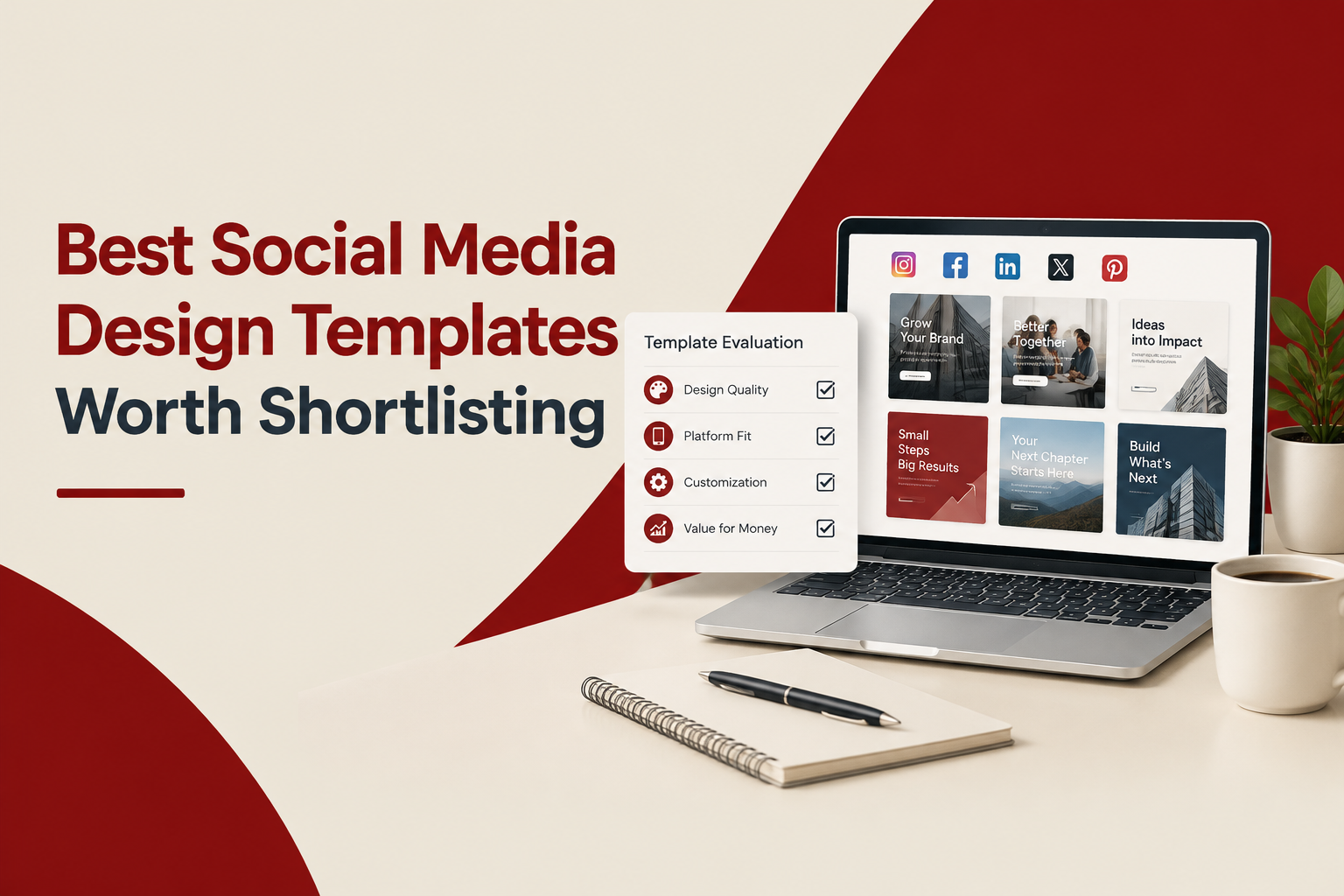
To make the comparison useful for a buying decision, each option is assessed against six criteria. Score each from 1 to 5 for your own team, then multiply the result by the suggested weighting.
- Brand control, 25%: Can you protect typography, color, spacing, imagery, and layout rules?
- Production speed, 20%: How quickly can a non-designer create a usable post?
- Flexibility, 20%: Can the system support feed posts, stories, carousels, ads, and campaign variations?
- Collaboration, 15%: Can teammates review, edit, approve, and reuse files without confusion?
- Scalability, 10%: Does the system remain manageable as content volume and team size increase?
- Total cost, 10%: Consider software fees, design time, training, and the cost of inconsistent output.
This method has a limitation: tool performance depends heavily on the quality of the initial design system. A well-structured template in a basic tool can outperform a polished library that nobody can use consistently.
The Best Social Media Design Templates to Shortlist
1. Canva template systems for speed-first teams
Canva is a strong starting point when marketers need to create routine social content without design software experience. It works well for promotional posts, quote graphics, simple product announcements, and recurring content formats. Its main trade-off is that unrestricted editing can gradually weaken brand consistency, especially when several people adapt the same layouts.
- Best for: Small marketing teams and frequent organic publishing.
- Strength: Fast editing and low onboarding friction.
- Watch for: Too many editable elements, inconsistent spacing, and template drift.
2. Figma template systems for structured collaboration
Figma is a better fit when designers and marketers need to work from a shared system with reusable components, clear versions, and review workflows. It can support a wider range of campaign formats than a basic post library, but it generally requires more setup and design literacy. Review the official Figma design platform when evaluating component-based workflows.
- Best for: Growing teams with an internal designer or design partner.
- Strength: Component control, shared files, and scalable design systems.
- Watch for: A steeper learning curve for casual contributors.
3. Adobe Express template libraries for quick campaign production
Adobe Express suits teams that want accessible templates alongside lightweight image, video, and animation editing. It is useful for teams producing mixed-format campaign assets, but it may not provide the same depth of system control as a carefully maintained Figma library. Compare the current capabilities on the official Adobe Express page before committing to a workflow.
- Best for: Teams combining social graphics with short-form motion or video.
- Strength: Broad creative formats in a familiar editing environment.
- Watch for: Maintaining a consistent visual hierarchy across many contributors.
4. A custom template system built around your brand
A custom system is not a single software product. It is a designed collection of layouts, rules, editable components, and usage instructions created around your products and campaigns. This is often the strongest choice when your team needs several ad variations, launch assets, product education posts, and seasonal formats that still look related.
- Best for: E-commerce brands with recurring campaigns and a defined visual identity.
- Strength: Higher control over brand recognition, message hierarchy, and reuse.
- Watch for: The upfront design investment and the need to document how templates should be used.
5. A hybrid system combining editable templates and designer review
A hybrid approach gives marketers a controlled set of editable layouts while reserving high-impact work for a designer. For example, a team could allow marketers to update product images and promotional copy in eight approved layouts, while a designer handles launches, new formats, and paid social variations.
- Best for: Teams that need speed without giving up creative quality control.
- Strength: Balances day-to-day independence with expert oversight.
- Watch for: Unclear ownership between the template user and the reviewing designer.
Detailed Comparison and Decision Guide
| Criteria | Canva | Figma | Adobe Express | Custom or Hybrid |
|---|---|---|---|---|
| Fast marketer editing | Excellent | Moderate | Excellent | Depends on setup |
| Brand control | Moderate | High | Moderate | High |
| Campaign flexibility | High | High | High | Very high |
| Design-system scalability | Moderate | High | Moderate | High |
| Initial setup effort | Low | Moderate | Low | High |
Use this decision rule when narrowing your shortlist:
- Choose Canva if publishing speed and ease of use matter most.
- Choose Figma if your team needs stronger component control and designer collaboration.
- Choose Adobe Express if your content mix includes graphics, video, and simple animation.
- Choose custom or hybrid templates if inconsistent brand output is already slowing campaigns or increasing review cycles.
Before choosing, inspect your last 30 days of content. Count how many posts used repeated formats, how many required designer intervention, and how many were delayed because the team did not know which layout to use. Those three numbers reveal more than a feature list.
If your challenge is broader than selecting a tool, this guide to social media templates explains how to keep reusable layouts from making your feed repetitive.
How to Choose and Roll Out Your System
Use this four-step rollout to test a template system before expanding it across every channel.
- Audit the content mix: List your five most common post types, such as product benefits, customer proof, promotions, education, and announcements.
- Build a minimum set: Start with 8 to 12 layouts. Include at least two square posts, two vertical formats, two carousel structures, and two paid-social variations.
- Define locked and editable elements: Lock logos, type styles, grid positions, and core colors. Allow edits to product imagery, headlines, prices, and supporting copy.
- Run a two-week test: Track production time, revision count, approval time, and whether the final posts still look recognizably related.
A useful benchmark is operational rather than aesthetic: if a trained team member still needs repeated design help for routine posts after the test, the templates are either too restrictive, too complex, or poorly documented. For teams that want a professionally structured starting point, Tetta Space creates editable Figma or Canva systems for social and paid campaign use.
For teams focused on scalable social media post design, document one example of correct usage beside each layout. A short visual example is usually more useful than a page of abstract brand rules.
Frequently Asked Questions
Frequently Asked Questions
Ready to move from a shortlist to a usable system? Contact Tetta Space for a custom quote and share your brand guidelines, content needs, and launch timeline.

Written by Celina Tran
I write about the space where design meets e-commerce. At TETTA, I work with brands to build social templates, scroll-stopping ads, and mascots people remember. Here, I share practical tips on visual consistency and creative workflows, and on how small teams can look big without an in-house design department.

Ads Design Studio vs In-House Design Team: Which Is Better for High-Tempo Paid Social?
Compare an ads design studio vs in-house design for speed, scale, and cost-per-output. A decision guide for teams shipping paid social weekly.

Custom Ecommerce Web Design That Matches Your Industry, A Practical Build Brief
Custom ecommerce web design, tailored by industry. Use this build brief, UX criteria, and QA checklist to improve conversion and reduce rework.
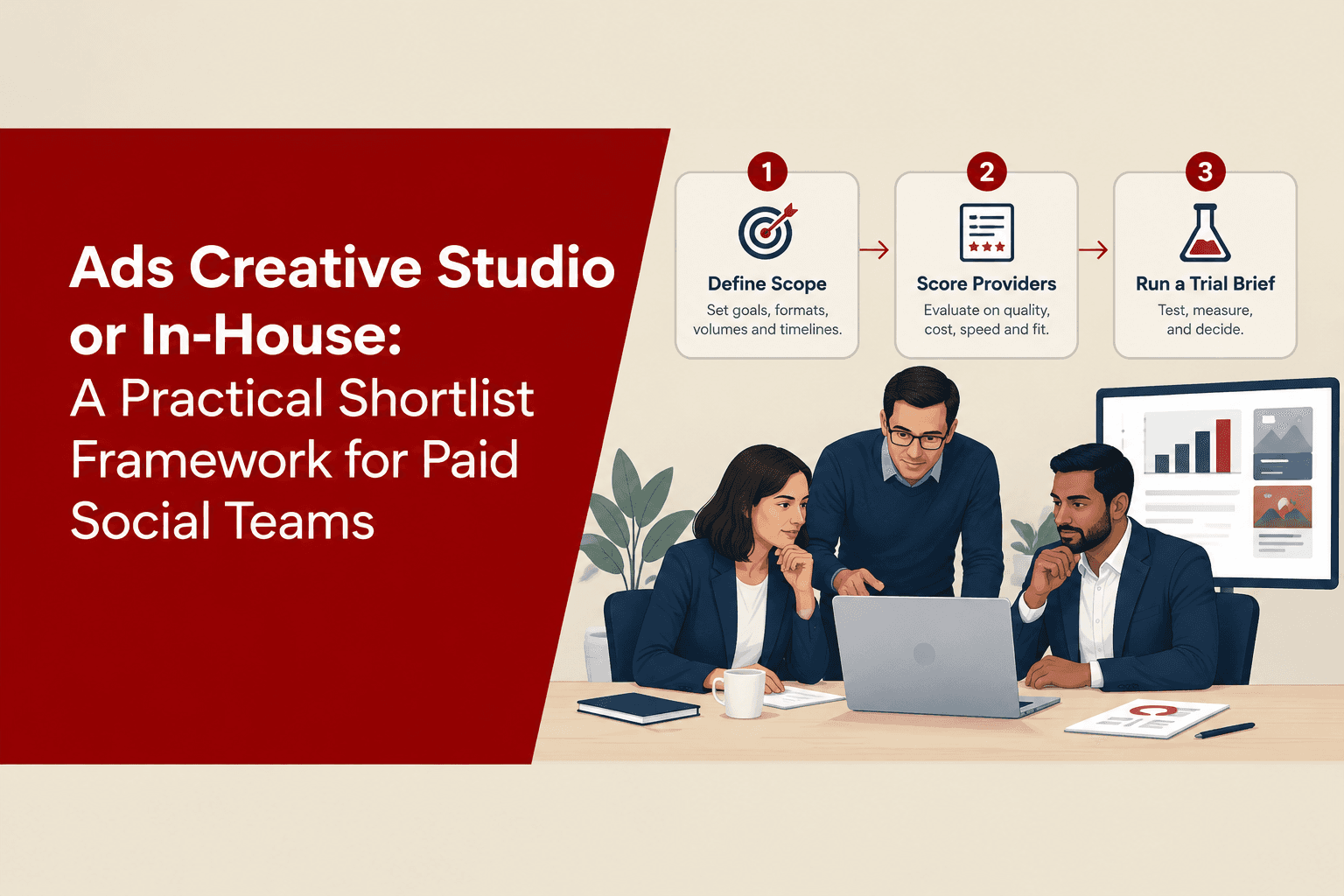
Ads Creative Studio or In-House: A Practical Shortlist Framework for Paid Social Teams
Use this ads creative studio evaluation framework to shortlist providers fast: criteria, scorecard, red flags, and a 7-day trial brief.
